Search

Red Hats Victoria

Author

Red Hats Victoria

Celebrating Red Hatting in Victoria (Australia)

Free Hatter Clipart

When doing Hatter promo things, it’s important to remember that you can only use images that you have created yourself, or that you have the rights (permission) to use – otherwise it’s a breach of copyright.  Put simply, taking an image someone else made, that they didn’t give permission for you to use is stealing!  Just because it’s on the internet, doesn’t mean it’s free for you to use.

You can find some free-to-use cliparts on places like: publicdomainvectors.org, clipart-library.com, pixabay.com, pexels.com.  Just be sure to check the terms of use.

Some Red Hatter specific Clipart can be found here:


To help Hatters who need images for their flyers/websites, Obsi has created some artwork below that you are free to use!  This will give you some Red Hatter themed images that you have permission to use.  Click each image to load full size.  If you use them on a website, a newsletter or anywhere that you could provide a link to http://www.aussiehatting.com, giving credit here for the images would be appreciated.

(Note, these are AI generated images created/edited by Obsi for Hatters to use)

Red Hat Ladies

Red Hatters in Groups

Photo-Realistic Hatters

Other Hatter Images

Vintage Hatters


Australian Hatter Logos


State Logos


ARHGA Public Liability Insurance for 2025/26

Message from the ARHGA Treasurer:

Hello Ladies
The PLI has increased to $80 per group this year.

Again, we would like to do it all by electronic mail. So please make sure that you email me for a reference number and the banking details – PLEASE DO NOT PAY WITHOUT IT, thinking that you have the details from last year! PLEASE DO NOT PAY IT INTO ANY OTHER ACCOUNT BUT THE PLI ACCOUNT.

We will accept cheques or postal notes if you do not do internet banking, or you could make the deposit into any NAB.

Please fill in the attached form and e-mail it back to me, (please include your Chapter Name  and STATE in your email) even if nothing has changed!

PLEASE INCLUDE YOUR CHAPTER NAME AND STATE IN ANY EMAILS.

We think that the $80 is a great investment for the security and safety of our members to cover them in case of an unforeseen accident. For events held in people’s homes their household insurance may not fully cover any claims.  Many halls require Public Liability insurance if you hire them.

In line with The ARHGA Inc. Rules of Association, we pay the excess should there ever be a claim.

Would you also please pass this onto other groups in your area, which we may not have any contact for.

Download application Form 2025 States – doc
Download application Form 2025 States – pdf

Lucky Dice

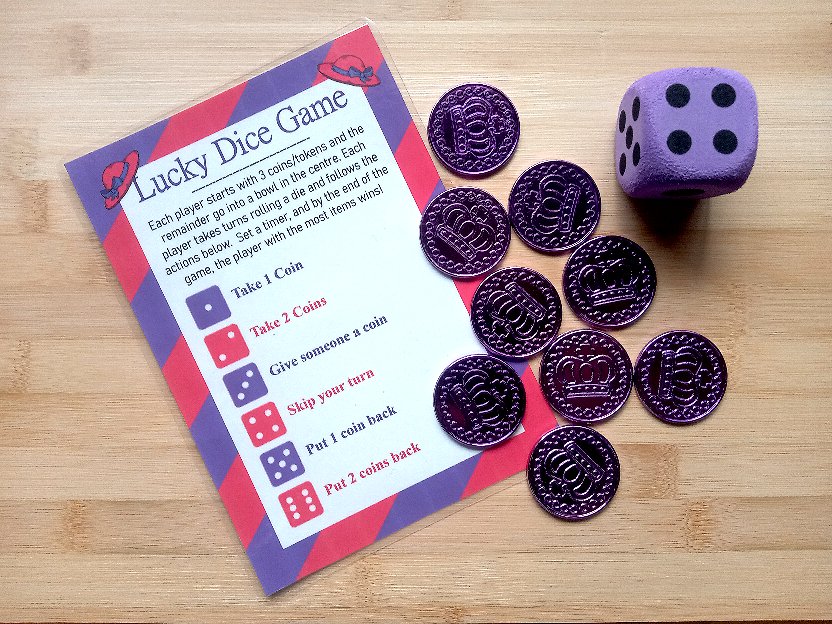
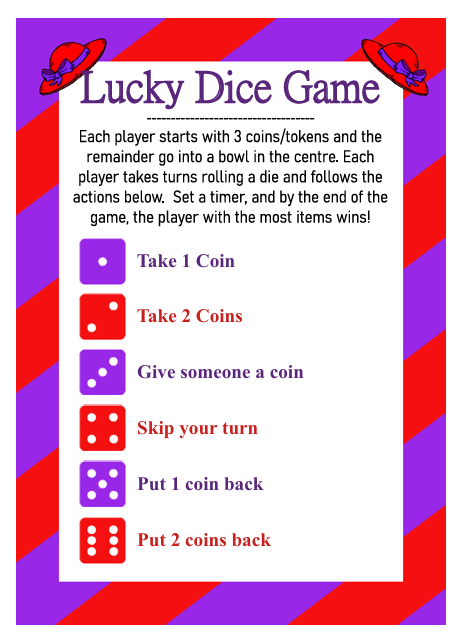
To play this game, each player is given 3 coins (or you can use tokens/small chocolate bars/packs of M&Ms etc.).  The rest are put in a basket in the middle of the table.  Set a timer, then each player takes turns to roll a die, and does whatever action matches the number they rolled.  If it says to “Take a coin” they take one from the centre.

Players with no coins left can no longer roll the die, but could be  back in the game if another player gives them one.

The winner is the player with the most coins when the timer goes off.

Download a printable sheet of this and the Rainbow dice game here

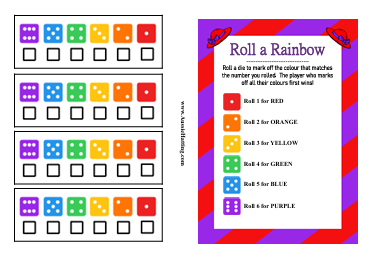
Roll a Rainbow

The aim of this game is for players to roll a die and mark off the colours that correspond with the number shown on each roll.

There are 2 ways to play –

  • For a quicker game, each player has their own die they can all roll their dice individually at the same time and the player who marks off all their colours first is the winner.
  • For a slower game (and if you don’t have dice for everyone), play in rounds where everyone rolls once and marks their roll off.  Then when everyone has marked theirs, then you all roll again.  The winner is then whoever was luckiest to get the rolls they need, rather than who was fastest.

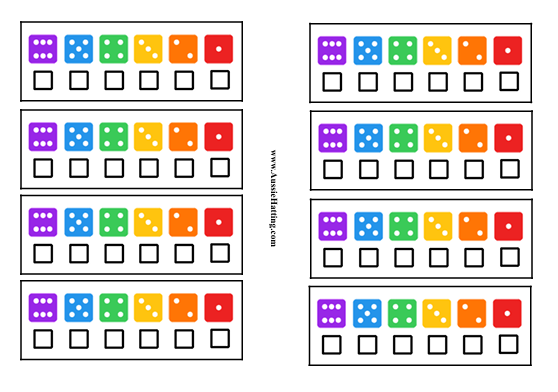
We have a printable sheet that includes one instructions and 4 smaller sheets, and another sheet of 8 sets of the dice sheets.

Download Page 1
Download Page 2

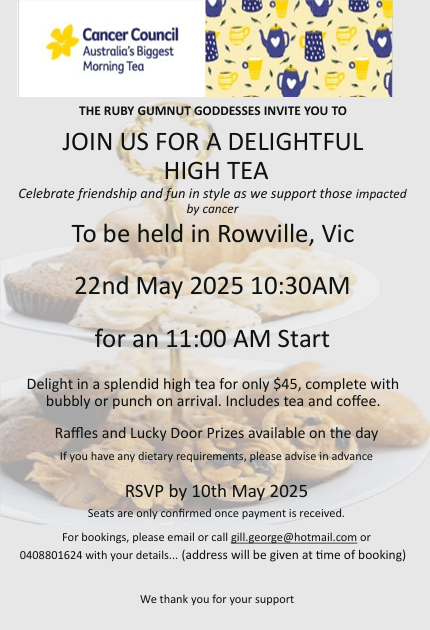
22/5/25 – Biggest Morning Tea

Download High Tea Flyer

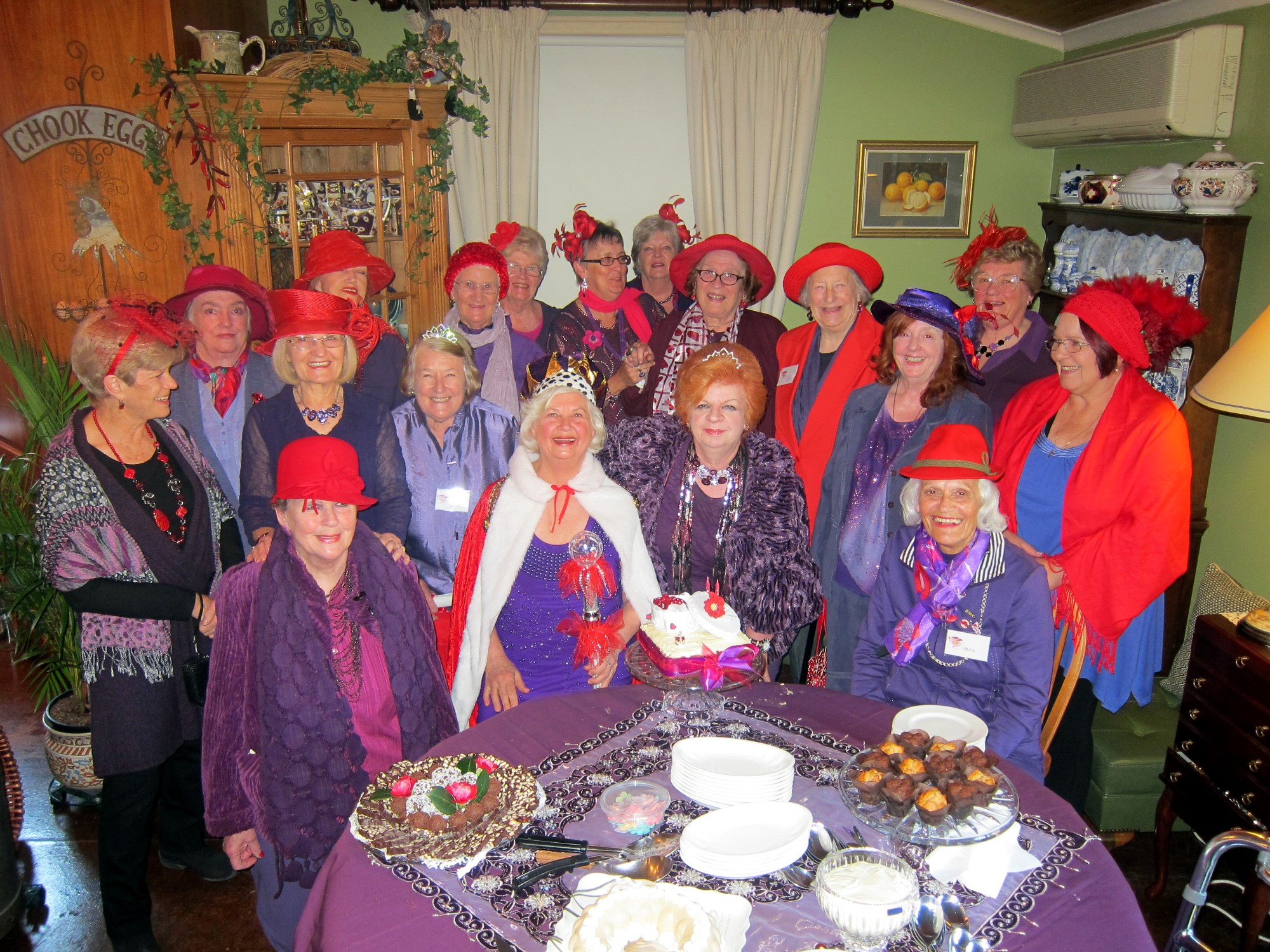
18/9/2025 – Wild Wang Wenches Coronation & 1st Birthday

Hatter Tokens / Scatters

You can print off these tokens to use as markers for things like bingo cards or other games – or use them as table scatters or even cupcake toppers!

Available to download as separate images, or as a page to print with plain or decorative tokens (in 2 sizes)

Continue reading “Hatter Tokens / Scatters”

Making a Google Event Form

Google has a “forms” tool that lets you customise what specific information you need to be emailed to you, which you can use as an event booking/registration form that lets attendees easily fill out all the information you need, in a convenient way for you both.

This can be filled out by anyone who has the link – they do not need a google account, but you will need to.

If you do not have a google account and you’re a chapter then you could have an event coordinator who manages a chapter email account (so you can have yourchaptername@gmail.com) and use that for Chapter matters.

To make a Google Form.

In any other Google product page when you’re signed into your Google account, click on the square of dots to open the menu of Google products.

Scroll right down to the bottom where you’ll find the “forms” option.

Then once you’re in the Forms screen, click on the first option with the + symbol titled “Blank Form” to start a new form.


(Click the image for a larger view)

  • “Untitled Form” – Change this to your Event Title.
  • “Form description” – You can add your event information in here.
  • “Untitled Question” – Change the title to what you need, and you can change the type of response using the little arrow.  By default this is a multiple choice, I would suggest changing it so that the first few questions you ask are the name/phone/email questions.
    • Use “Short Answer” for a spot the attendee can enter in things like their name, phone, email.
    • The default question is a “Multiple choice” select – this means they can click to select ONE option in a list you provide.
    • Checkboxes” is a similar option to multiple choice, but it will allow the attendee to select more than one – useful for listing food intolerances or activities that they can select to book.
  • More Questions – To add more questions to your form, click the + icon on the toolbar on the right.
  • Change order – If you need to change the order of the questions, you can drag the question boxes using the 6 dots on the top of the box.
  • Add an image  – To the top of the form, you can select the icon of the paint pallet, then go down to “header” and select a photo of your own, or choose one from the available options.
  • Settings” – You can leave these as is. make sure you leave the “Requires Sign in” as it is by default, as it will allow people to fill out the form without needing to sign in to Google (so it will work even if they don’t have a Google account).
  • Preview – Check how your form looks and if the options you’ve chosen work as you need them to.
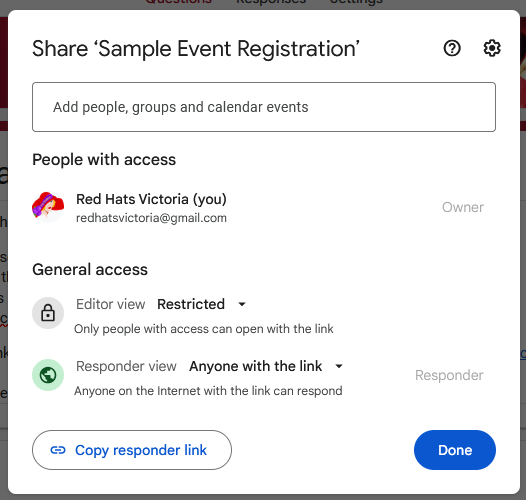
  • Publish” – Once you are done.  You can edit the form afterwards if you’ve forgotten something.  You’ll be asked for the sharing options (you can change this later with the little triangle)
    • Make sure that “Editor View” is restricted
    • Make sure that “Responder View” is “anyone with a link

“Copy Responder Link” will get you a shareable link, but a better way to get the link is to click the link icon on the top menu – where you can select an option that will shorten the link to get rid of a lot of the random numbers/letters.


Copy the link and you can then use it in your event flyer – or use the Google Form itself as your event notice (if you’ve put all the info on the event in the description part.)

The responses will be emailed to you, but you can also check the on the form by clicking the “responses” link in the centre of the top options.


25/7/25 – National Aussie Red Hat Day

Download Flyer – Birthday Invite

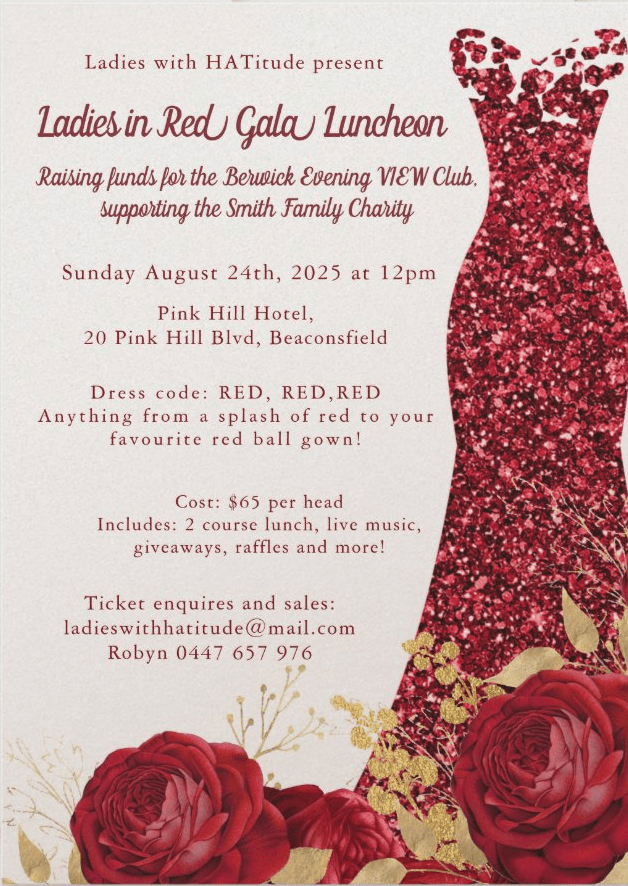
24/8/25 – Ladies in Red Gala Luncheon

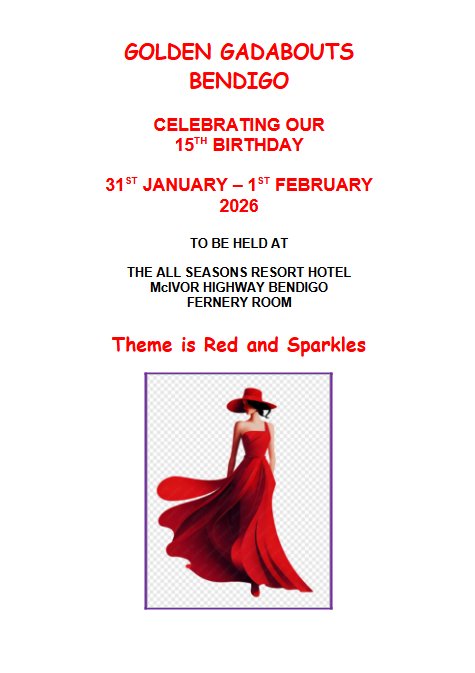
31/1/26 – Golden Gadabouts 15th Birthday

Download Information & Registration form

Minutes of Queens Counsel 2024

Download Queen’s Counsel Minutes 2024

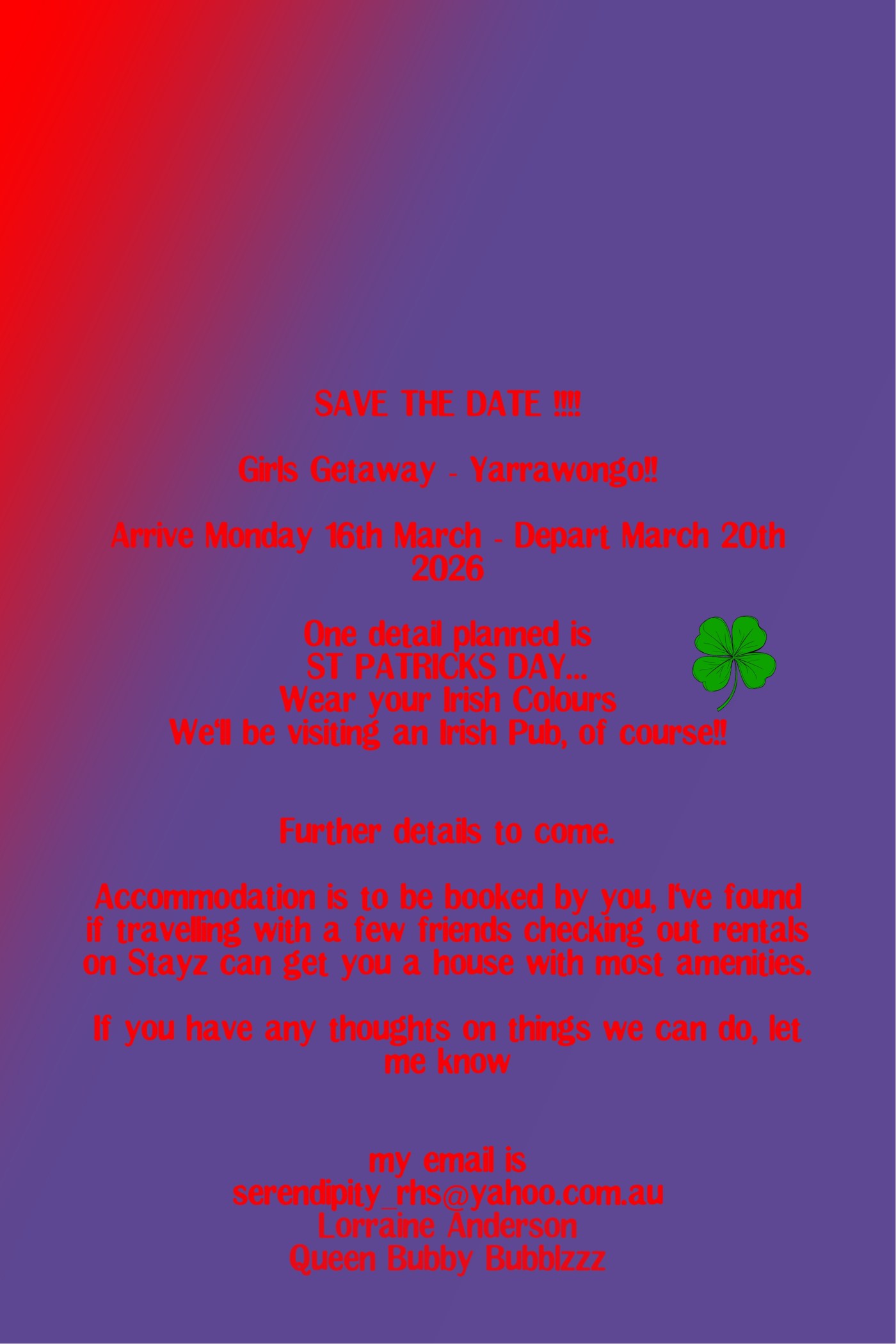
16-20/3/26 – Girls Getaway Yarrawonga

Bookmarks

You can print these bookmarks out on white cardstock, perhaps punch a hole in one end and hang a tassel from it.  Or you could print them out on normal paper then laminate them for extra durability.

Available as single images, or as a set in a printable document file.

Continue reading “Bookmarks”

16-18/4/27 – Melb Convention

Download Information & Registration forms:

Convention 2027 Flyer

Princess Convention 2027 Registration Forms

Princess Convention 2027 Pricing and Information

Booking Your Accommodation for Convention 2027

(TBA Winter 2028) – QLD Barrier Reef Cruise

Download Flyer – 2028HatterCruise_SaveTheDate

Continue reading “(TBA Winter 2028) – QLD Barrier Reef Cruise”

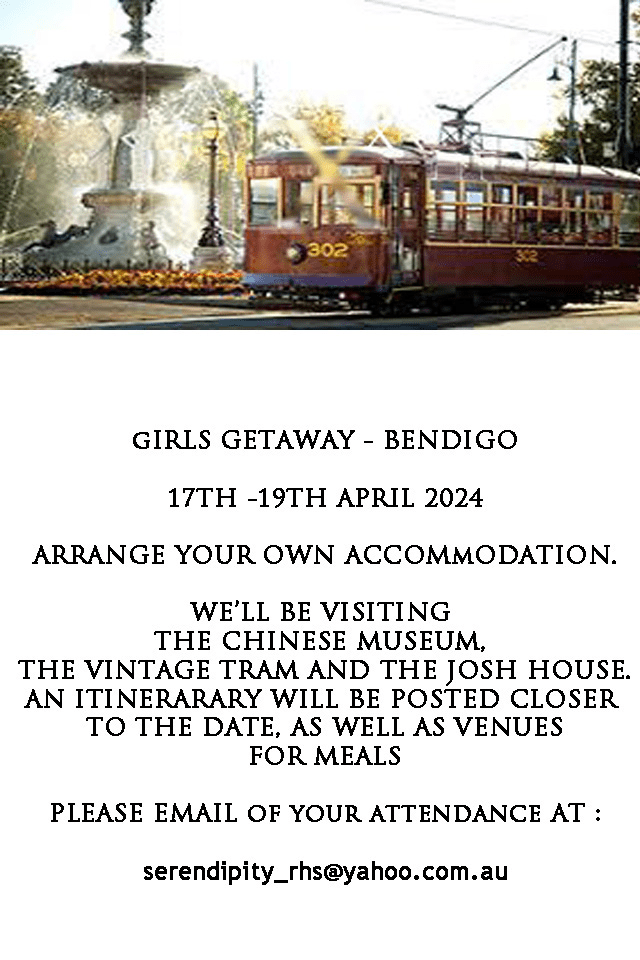
Girls Getaway – 17-19 April 2024

Girls Getaway

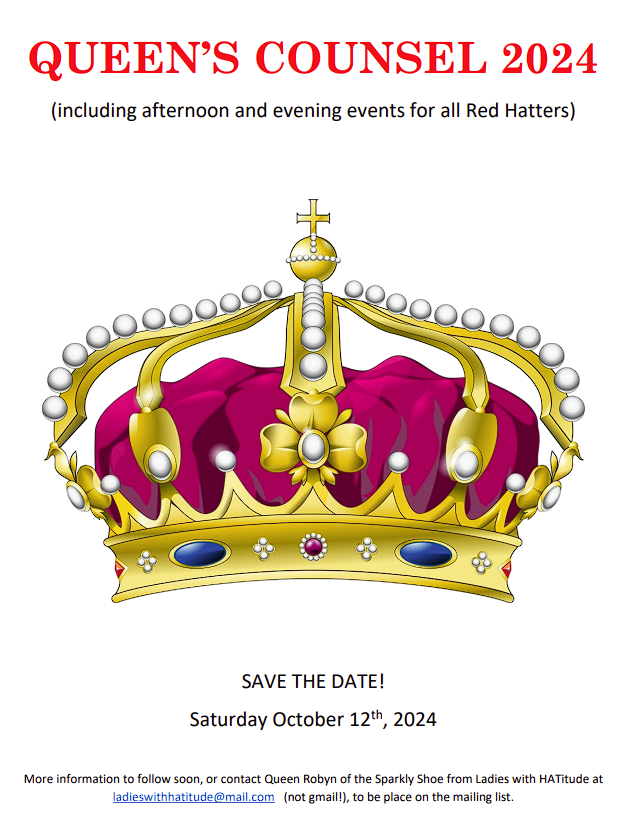
Queens Counsel – Saturday October 12th 2024

2024 Queens Counsel Invitation | In the jungle invitation and forms | Calendar 2024

Queens Counsel Save the Date

Minutes from the 2023 Queens Council

Download Queen’s Counsel Minutes 2023

Queen’s Council – 16th Nov 2023

Continue reading “Queen’s Council – 16th Nov 2023”

2025 Melbourne Convention


The Lady Behind the Mask Convention

7th, 8th & 9th February 2025

Download Registration Package

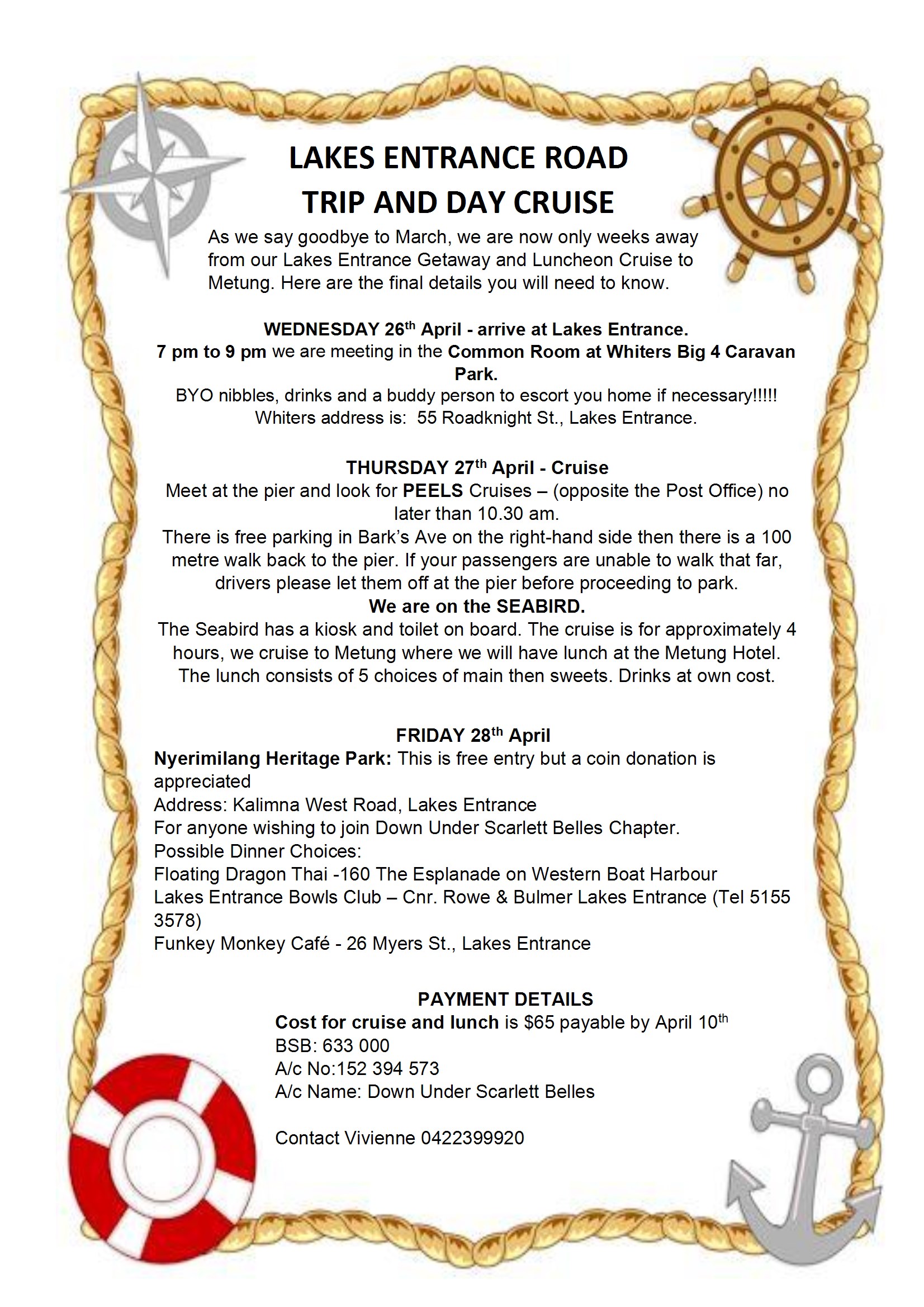
Lakes Entrance Cruise 27th April 2023

Continue reading “Lakes Entrance Cruise 27th April 2023”

RE Fair Maidens of the round table Convention Feb 24th-26th 2023.

Thank you all for your patience whilst plans for moving our convention from Bayview Hotel to Pullman/ Mercure hotel has taken place. Whilst a lengthy process we feel the outcome has been worth the effort and wait.

Updated Information:

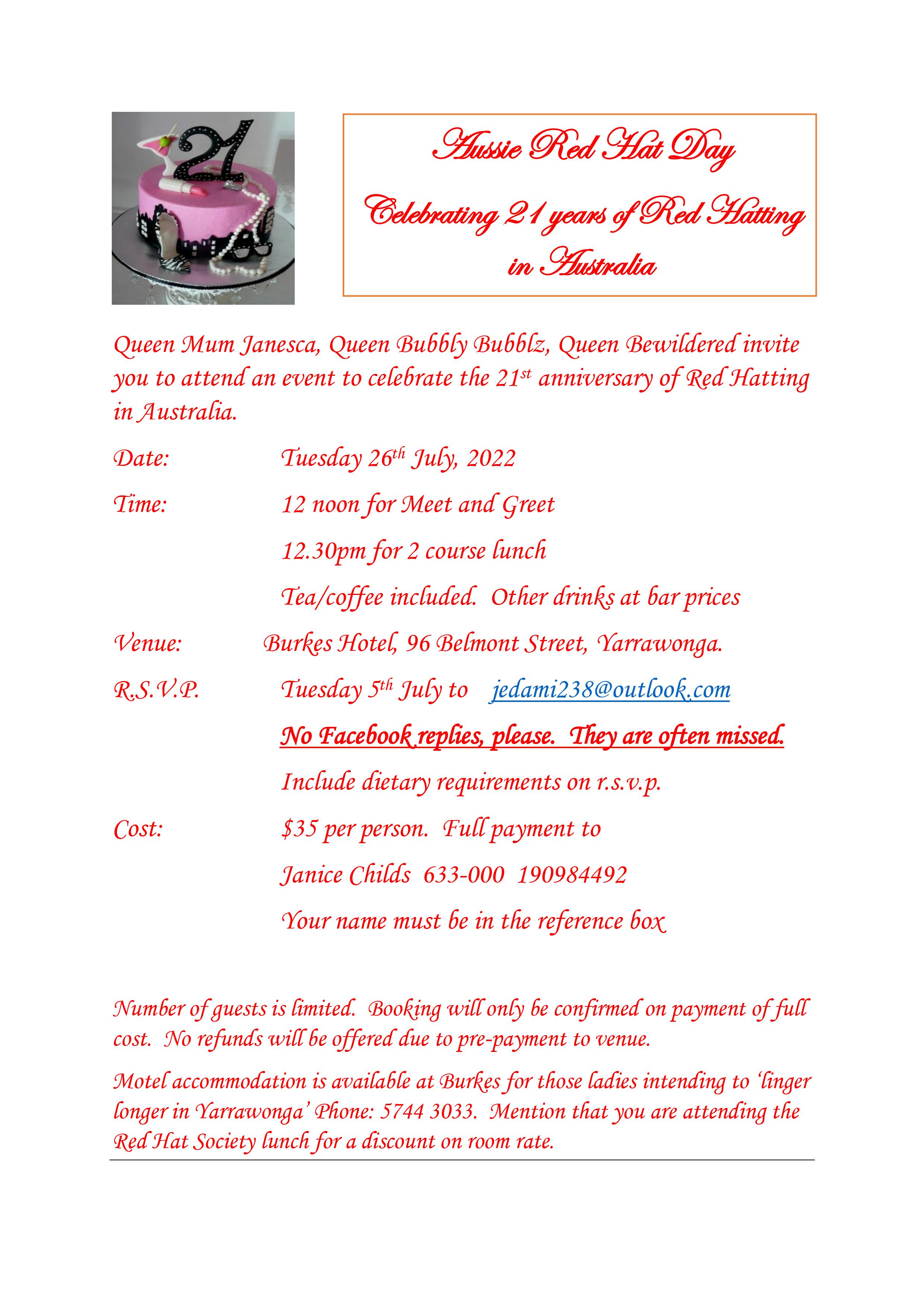
Aussie Red Hat Day (Celebrating 21 years!) – 26th July 2022

.

Queens Counsel Gathering – May 31 st 2022

Time has come again for a gathering of Queens Vice Queens, Queen Mum’s and Queens to Be.
These gatherings are an important tool for networking amongst chapters, exchanges ideas, sharing problem solving within chapters, and importantly for us to have fun.

As we know all chapters are special and Queens unique, we as Queens have one thing in common and that is our belief that we can help better the lives of others and bring ladies together to share some common interest.

Some of us may have experienced a bit of apprehension when we first joined a chapter and was a bit self conscious wearing a red hat or beret and wearing purple clothes out in public for the first time.

Now for me 10 years into Red Hatting I can”t wait to get out and about with my chapter and love wearing big hats.

It would be beneficial to us all if we can discuss some new topics in Red Hatting and help chapters and other Queens who struggle at times with new members. For every question there is an answer so please come and join Queen Travelot and Down Under Scarlett Belles and have a round table discussion, some lunch a wine or two, tea/coffee .

Download Flyer:

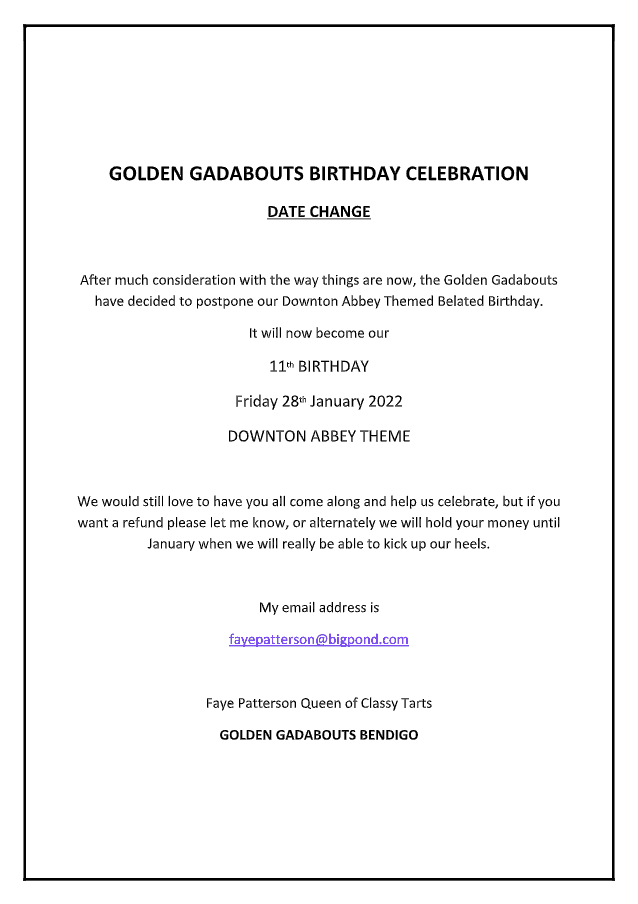
Golden Gadabouts 10th birthday luncheon – 28th Jan 2022

GoldenGadabouts2022Birthday

Queen’s Council – 6th May 2020 (Geelong)

Download registration form
Download Accommodation guide

2020 Hatter Cruise

We had 100 ladies join us on a fabulous cruise to Tasmania & South Australia.


Continue reading “2020 Hatter Cruise”

Cruise Luggage Tags

Mark your Cruise luggage in Hatter style with these printable Hatter luggage tags!

Cut the tags out and fold in half for double-sided luggage tags.  Write your name and phone number on the tags prior to laminating.

Continue reading “Cruise Luggage Tags”

Tea and Tiaras – 23rd Nov (Kilmore) – POSTPONED

You are cordially invited to join The Ladies of the North On Saturday the 23rd of November for Tea and Tiaras

[Download flyer here]


Attendee Sign-in Sheet

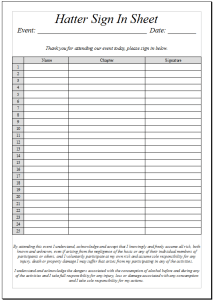
If you are hosting an event, you might like to have a sign-in list, so that each attendee signs in.  This may be beneficial (or even required) for your Public Liability Insurance, so there is a record of who attended the event.

Continue reading “Attendee Sign-in Sheet”

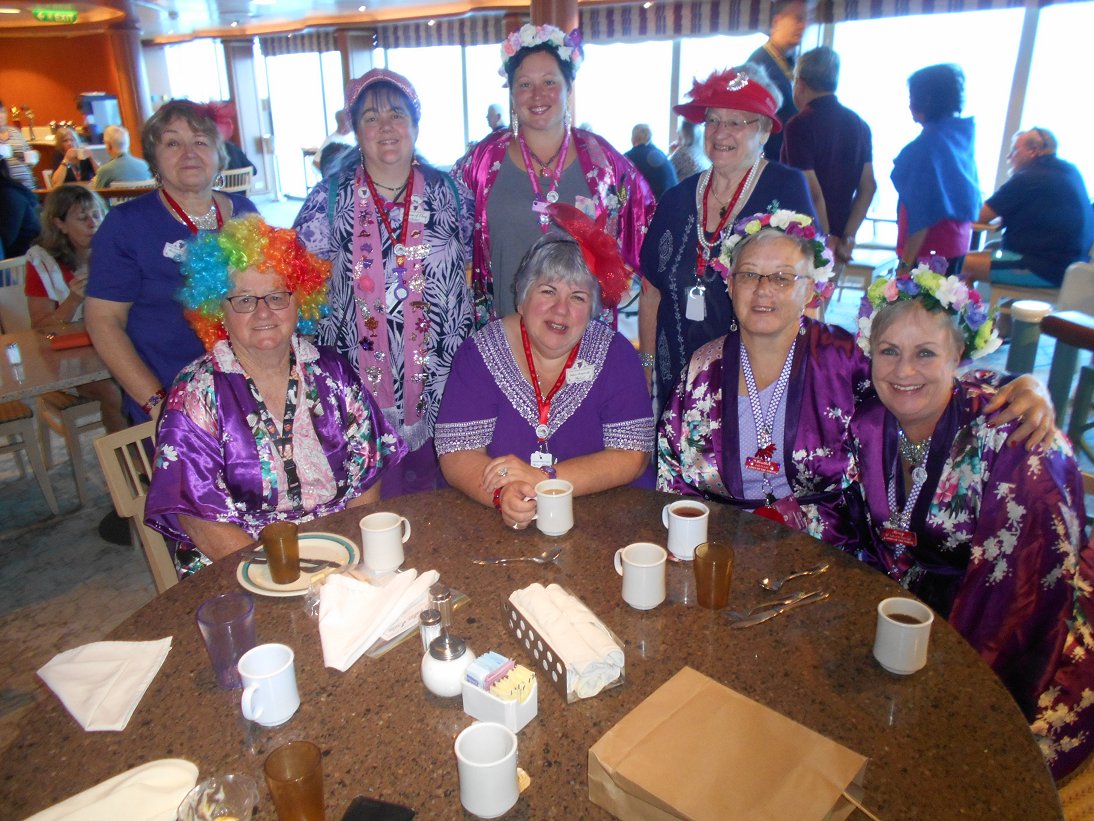
Nagambie cruise 2019

Download full size here

Southside Dazzling Red Hatters

Chapter Name: Southside Dazzling Red Hatters
Queen: Queen Helen

Description:
The Chapter started in 2011, but the Queen has been a member since Red Hats started in Australia about 20 years ago.  Our Chapter has members 48 to 90 years of age. We are a very active chapter who meet at least 4 times a months with various activities.

Membership: Open (Accepting new members)

Contact Chapter:  Email: (Jyl) jylbell@gmail.com

Blog at WordPress.com.

Up ↑